Loyalty cards for Apple, Android and web
Treat your regulars.
A digital loyalty card that lives in your customers' Wallet. No app for them to download, no paper to lose. Stamp it with a single scan.
14 days free · Stamps or points · Made for small shops
How it works
Three steps to a fuller shop
- 1
Make your card
Sign in with Apple, then pick your colours, stamp icon and reward. Your card is ready in minutes.
- 2
Share your QR code
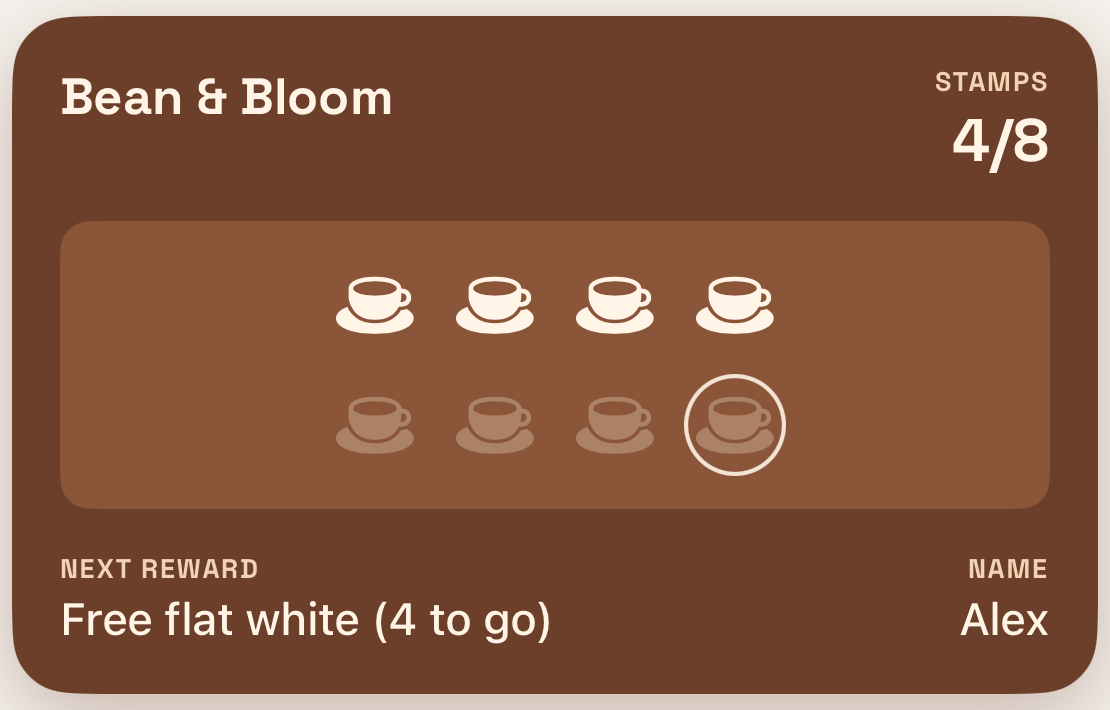
Customers scan it at the till, enter their first name and add your card to Apple Wallet, Google Wallet or the web.
- 3
Scan to stamp
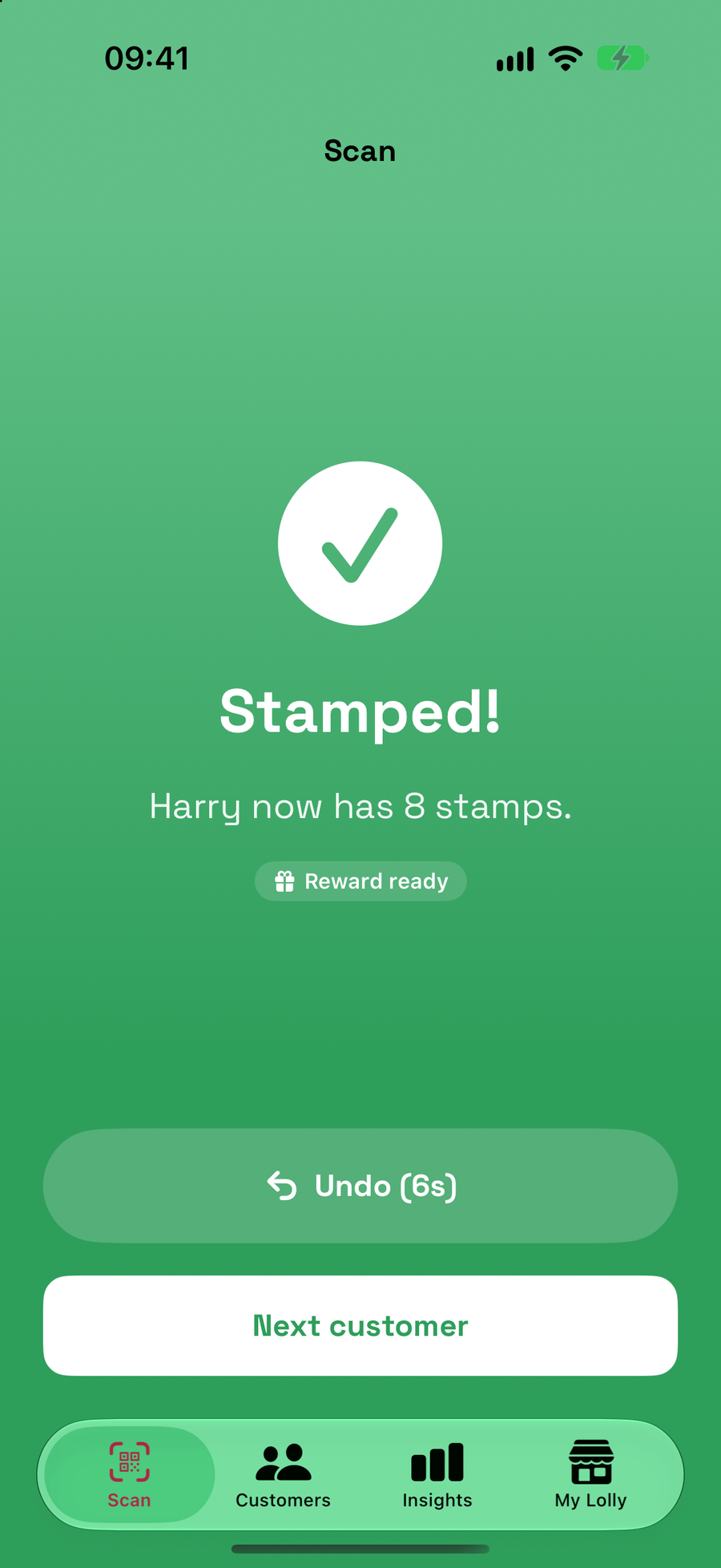
Scan their card with the Lolly app. The stamp lands straight away and their Wallet updates.
The card
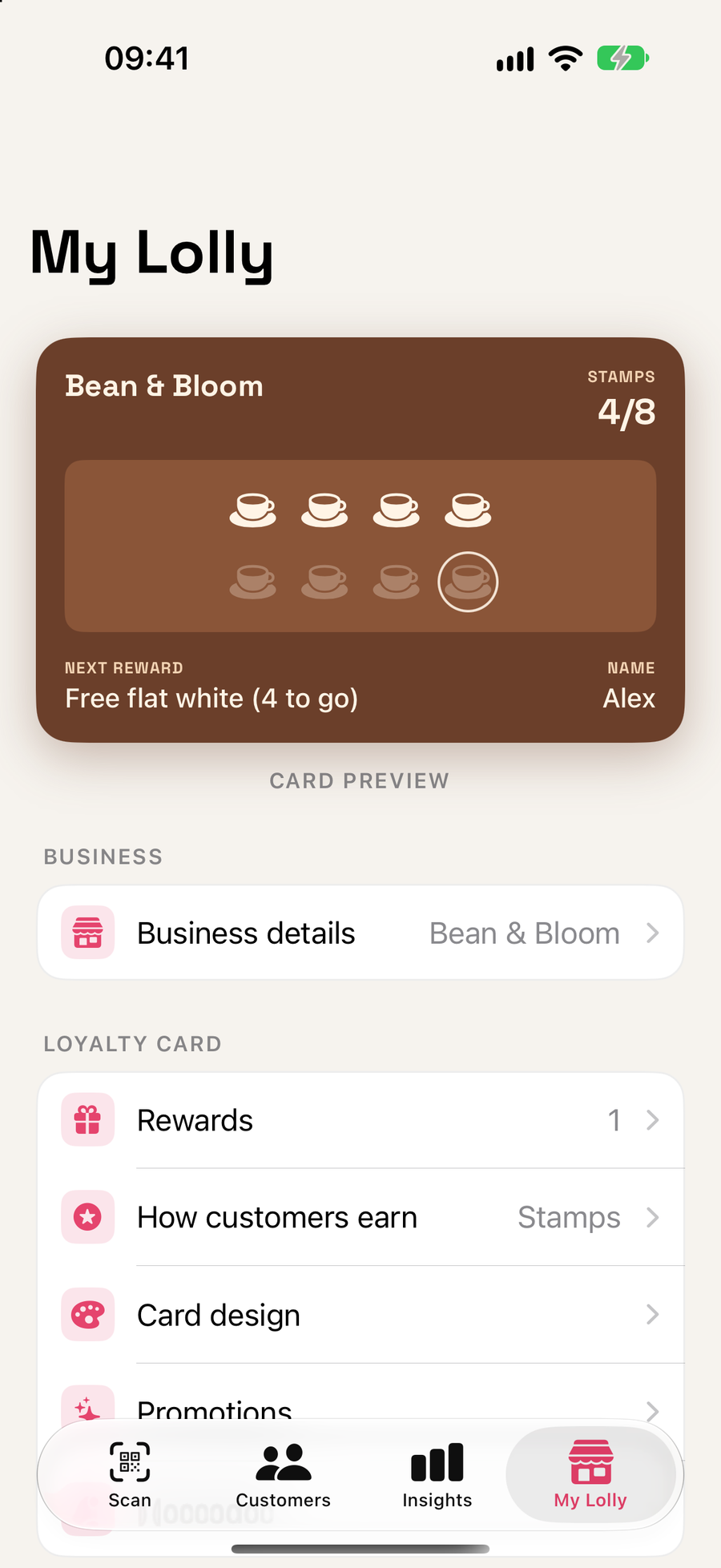
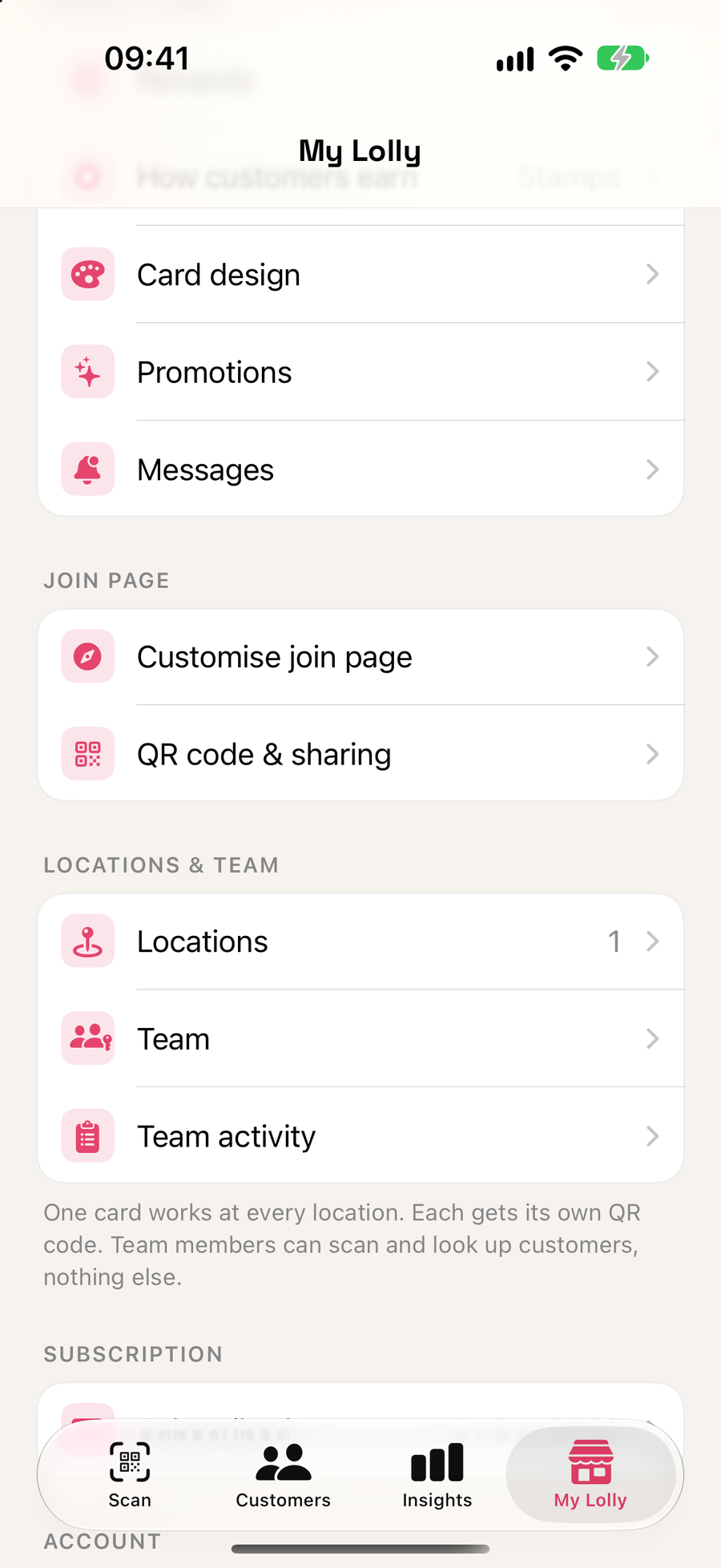
A card that looks like yours
- Stamps or points, whichever suits your shop
- As many rewards as you like, at different costs
- Your name and colours, with a live preview
The scan
Stamp in a single scan
- Undo a stamp in a few seconds if you slip
- A cooldown stops the same card being stamped twice by accident
- With points, enter the spend and the points are worked out for you
Joining
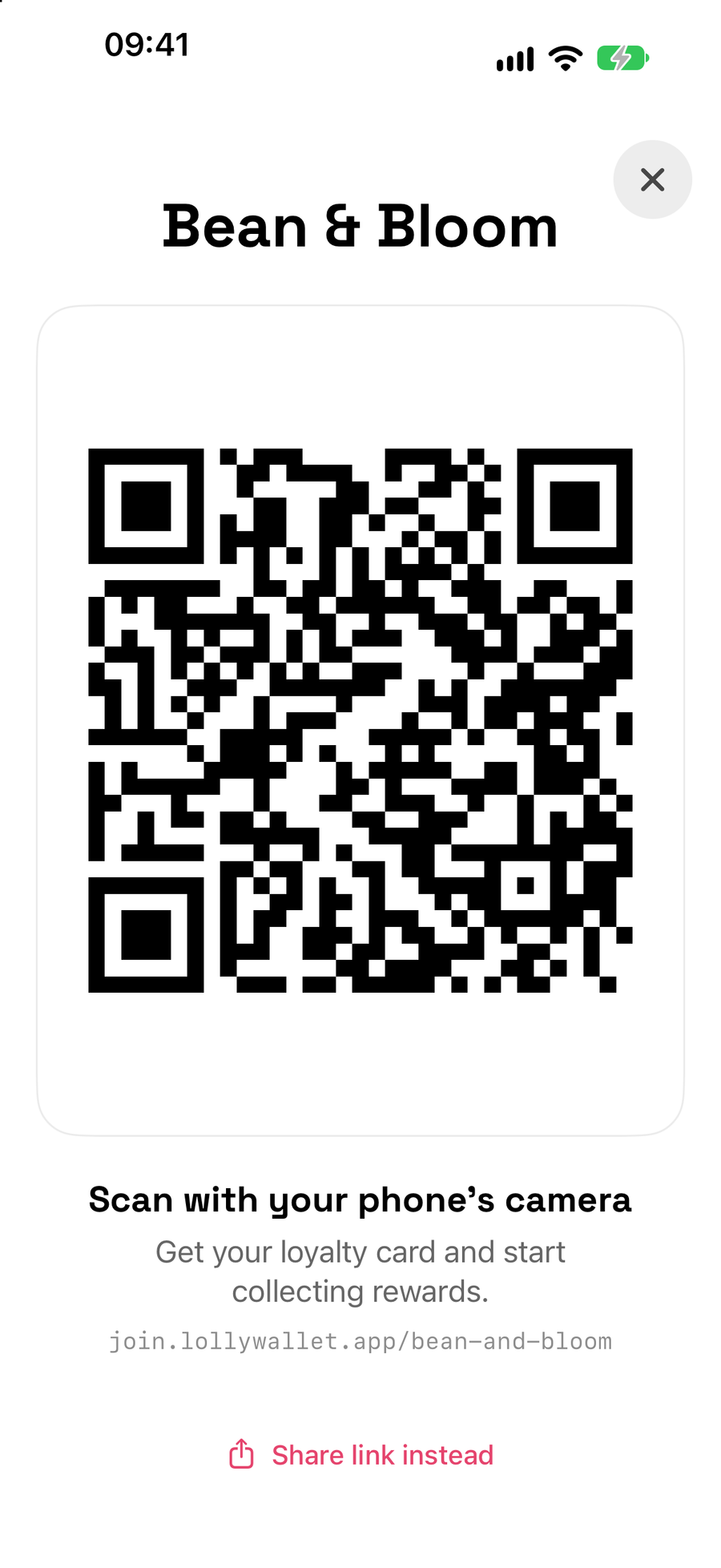
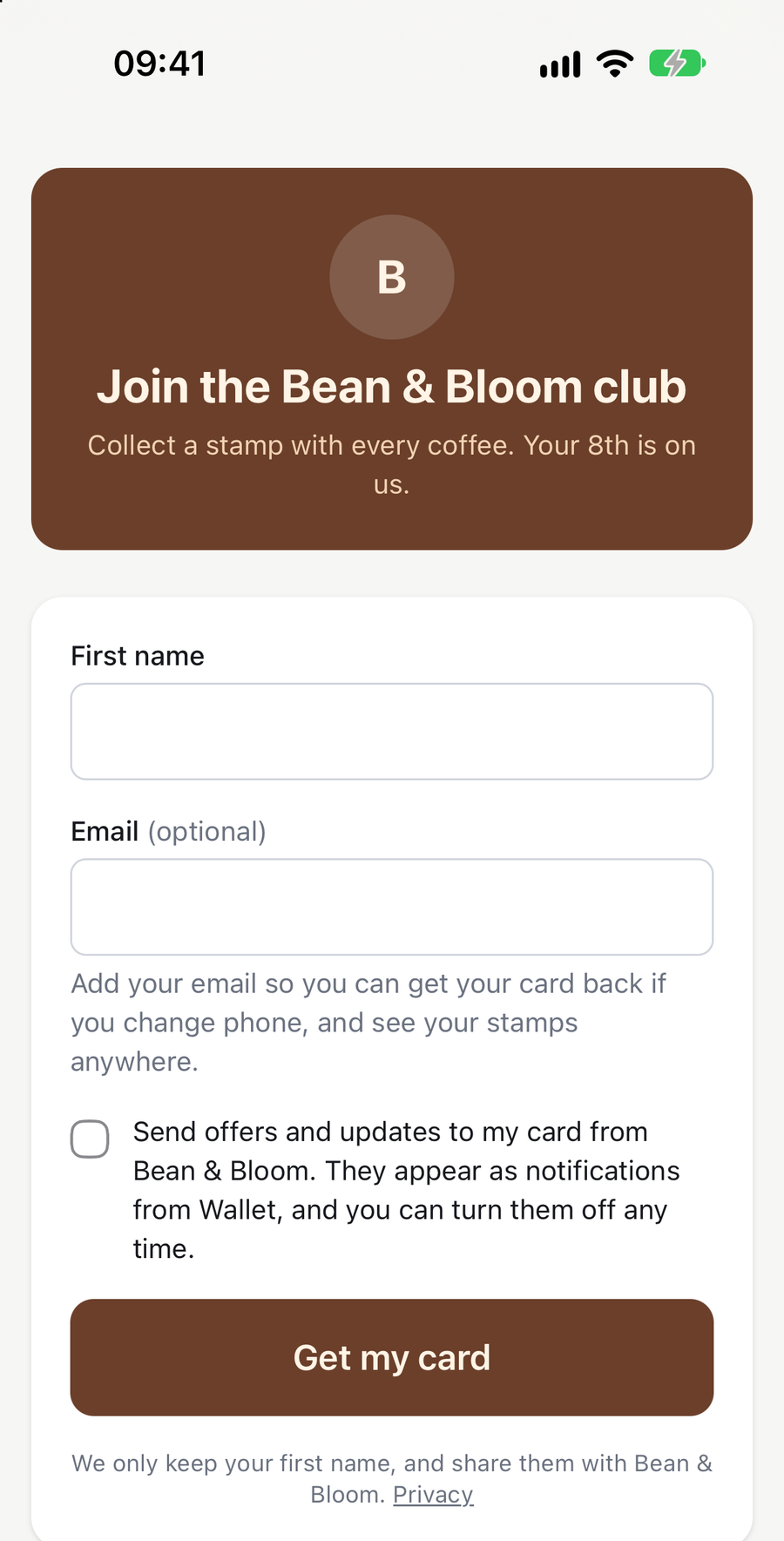
Customers join with a QR code
- One QR code per location, so you can see where people joined
- Your own colours and wording on the join page
- An optional tick-box for offers, so you only message people who said yes
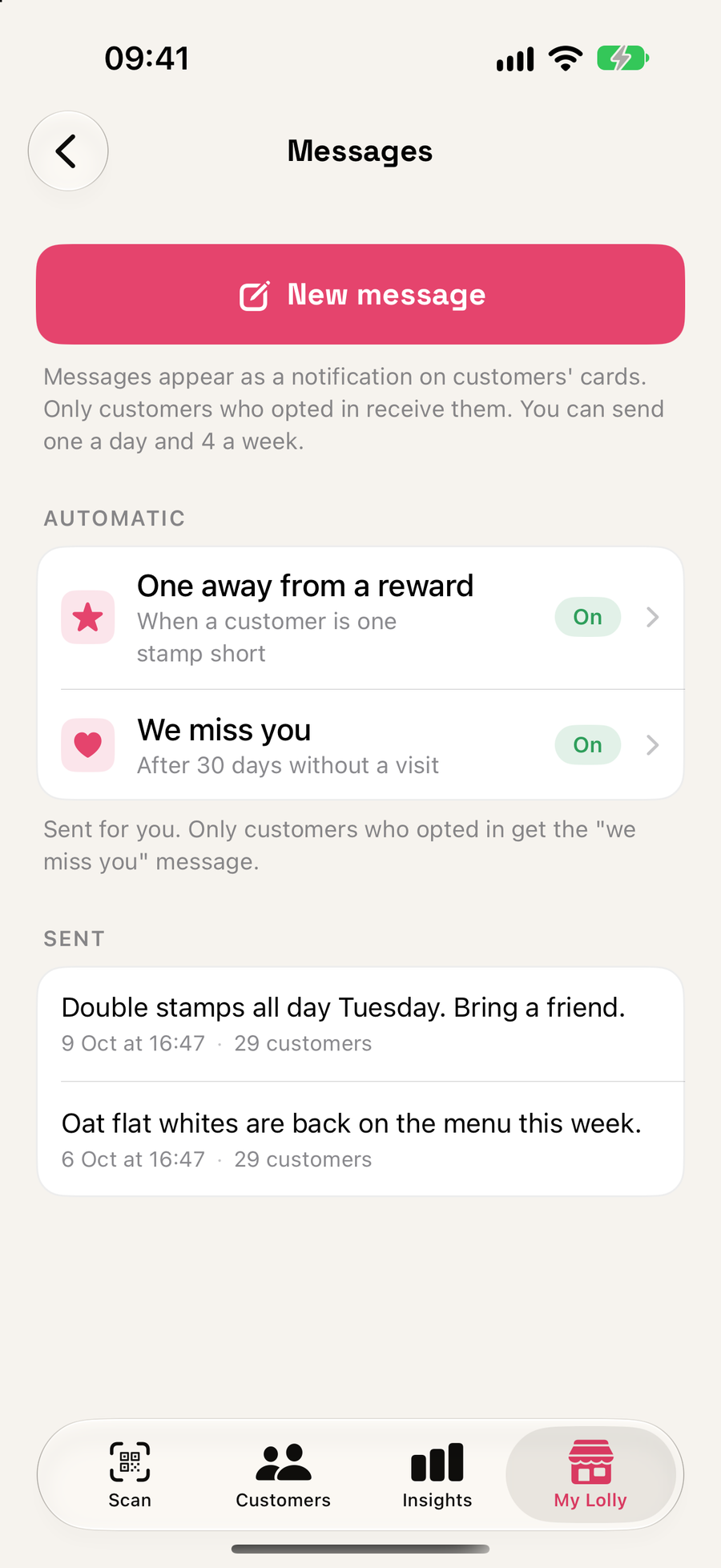
Promotions and messages
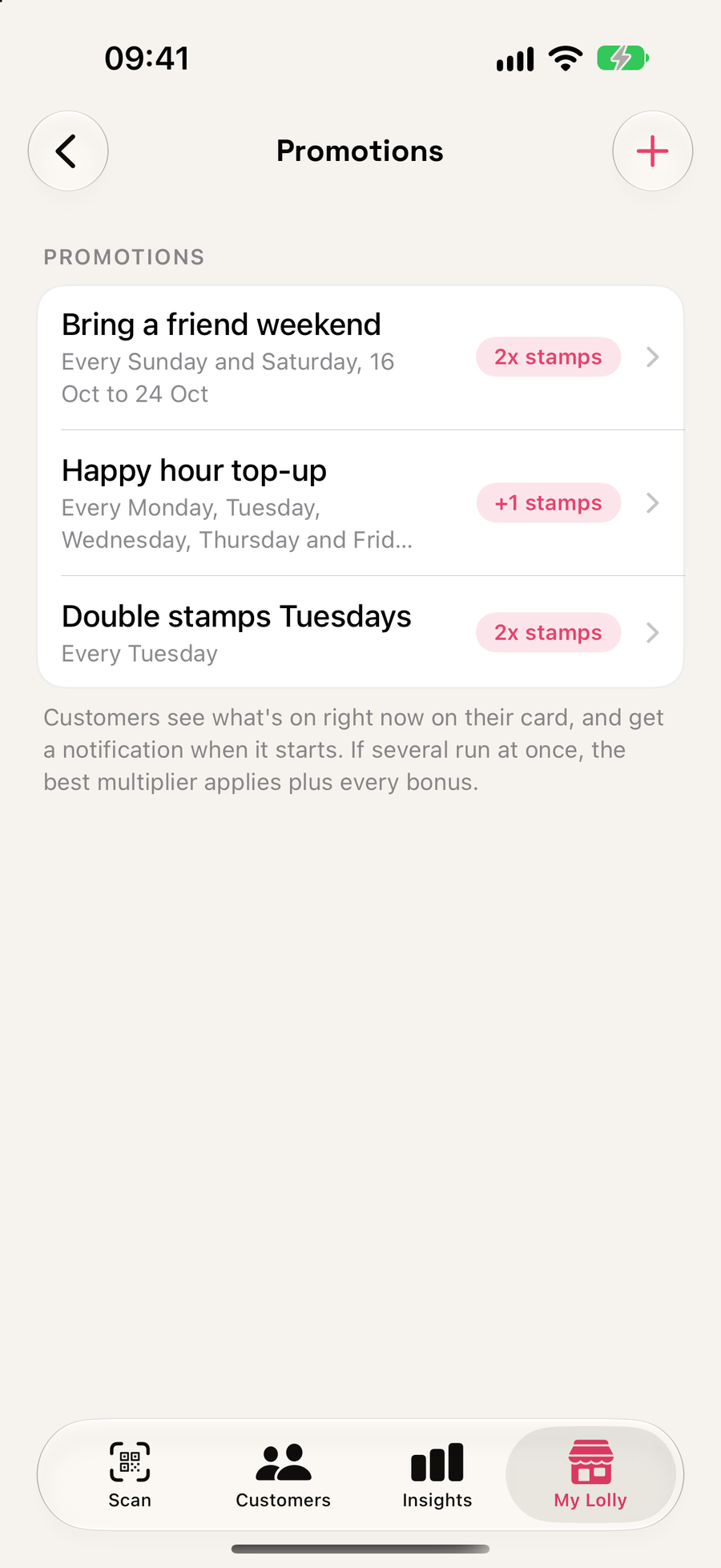
Say thanks on the lock screen
- Multipliers and bonuses by day, time or date range
- Automatic nudges when someone is one stamp away, or has not been in for a while
- Limited to one message a day, so nobody feels spammed
Insights
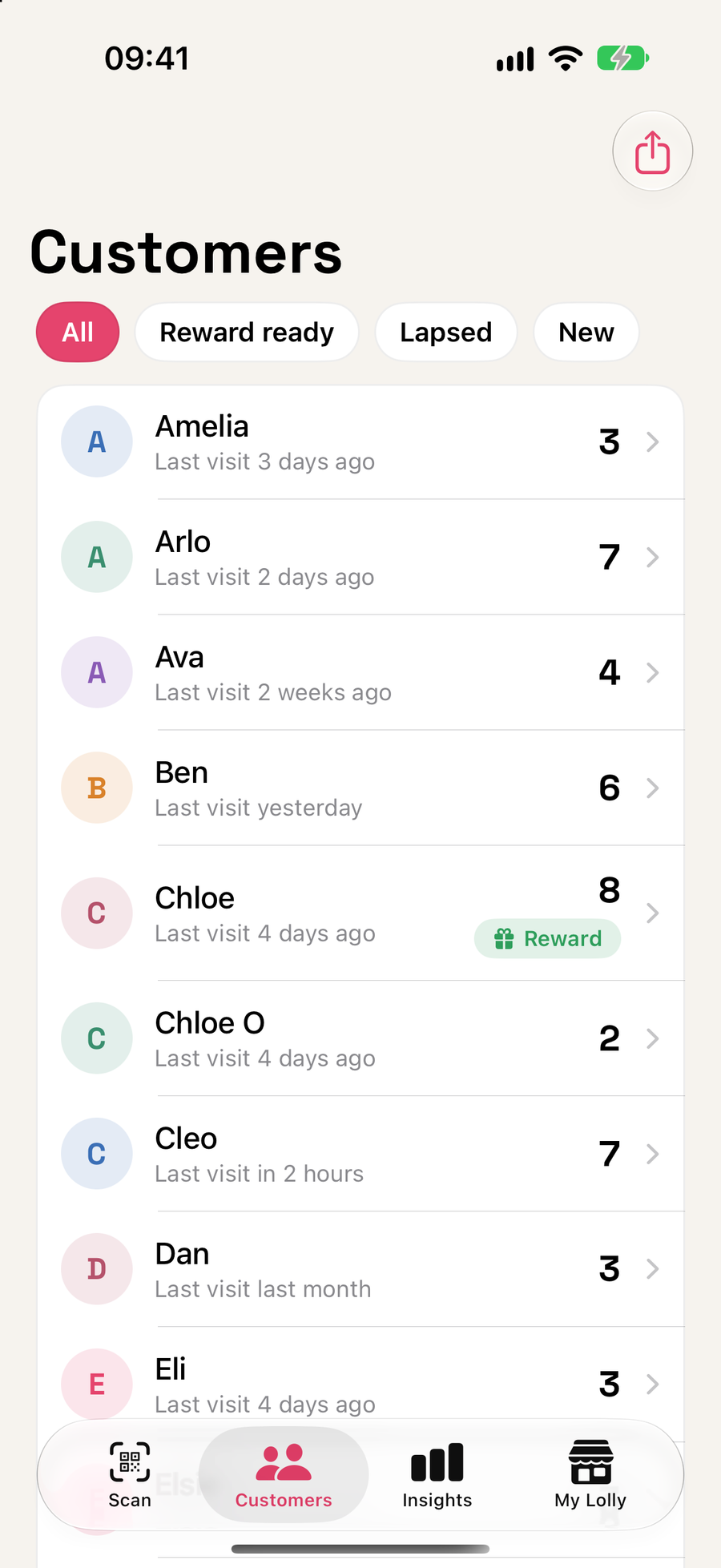
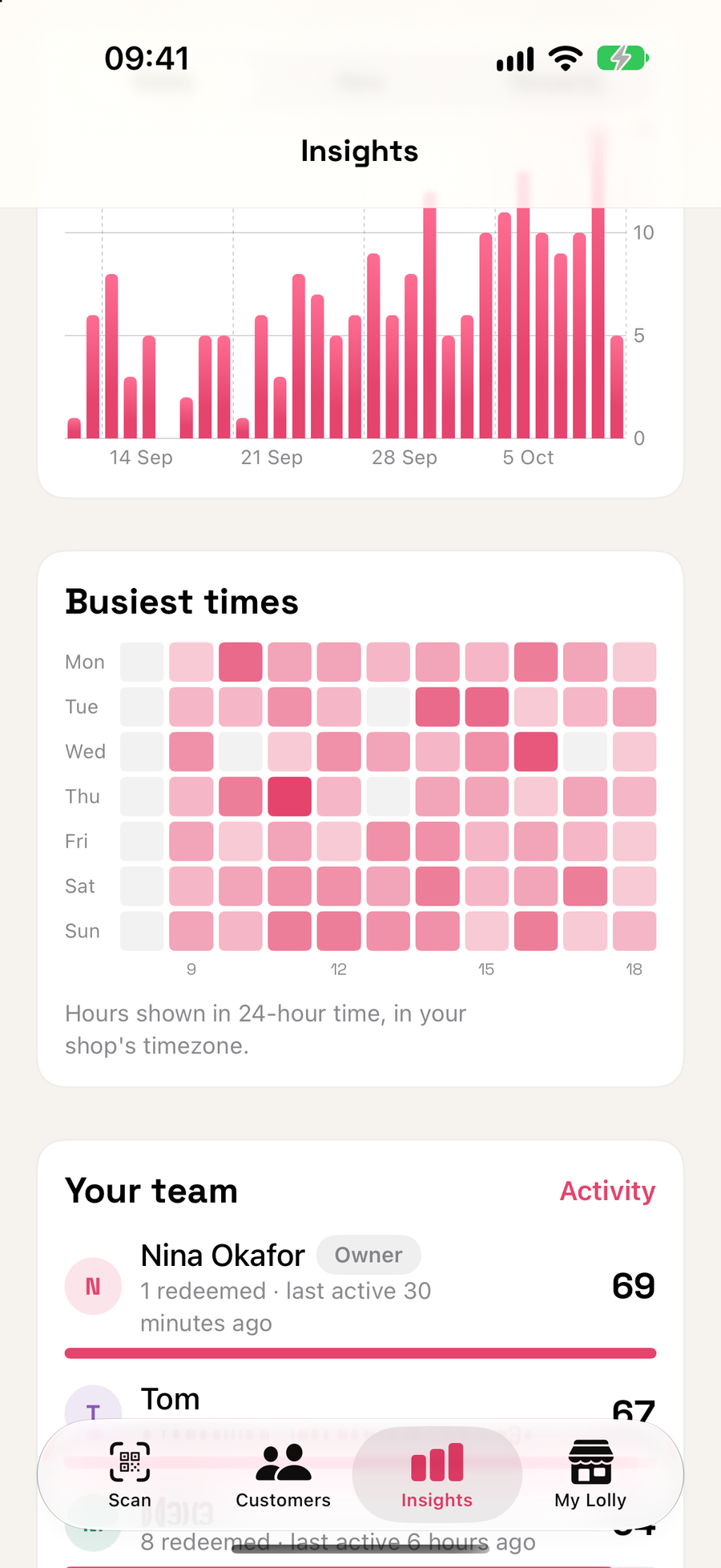
Know your regulars
- New customers, visits, rewards given and repeat rate
- A busiest-times heatmap by day and hour
- Filter to reward ready, lapsed or new customers
Your team
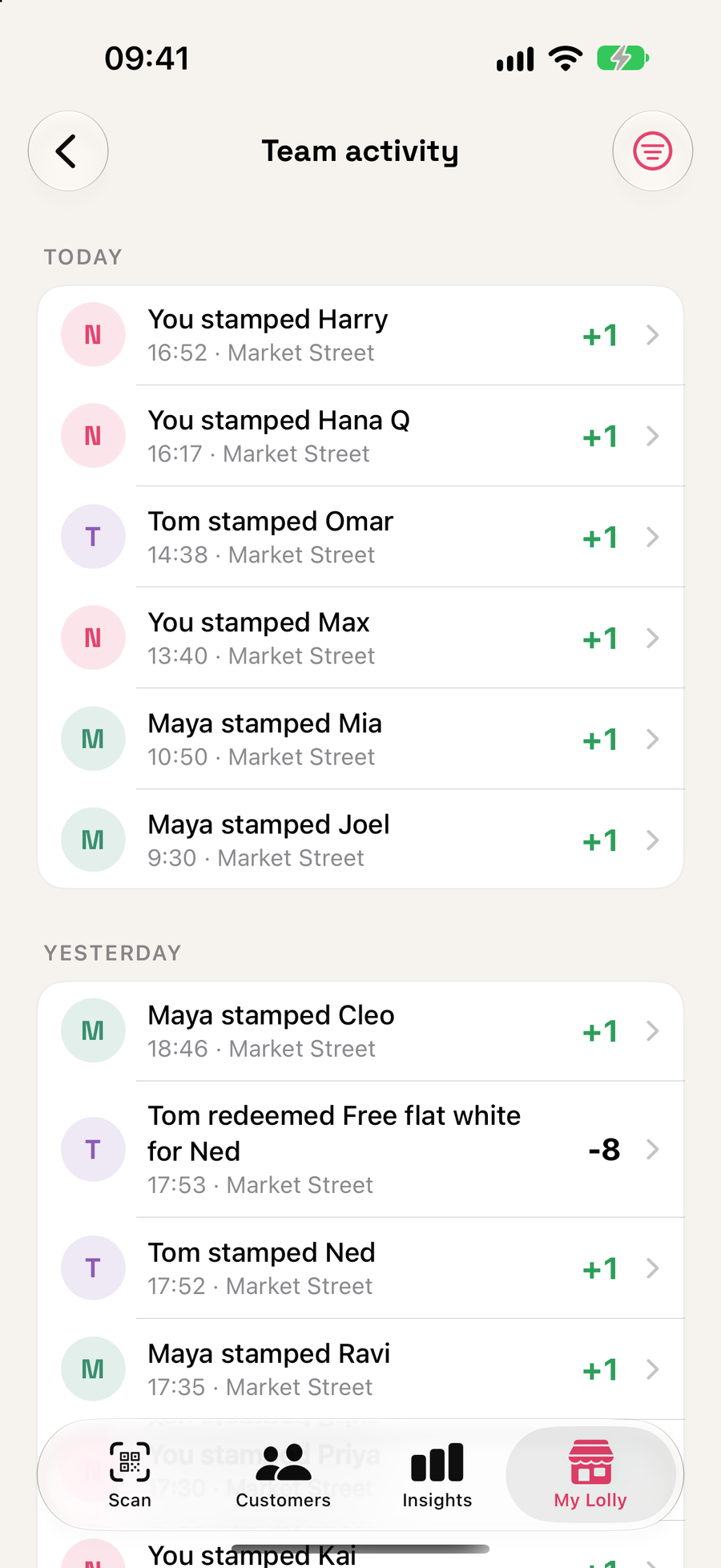
Everyone on the team can stamp
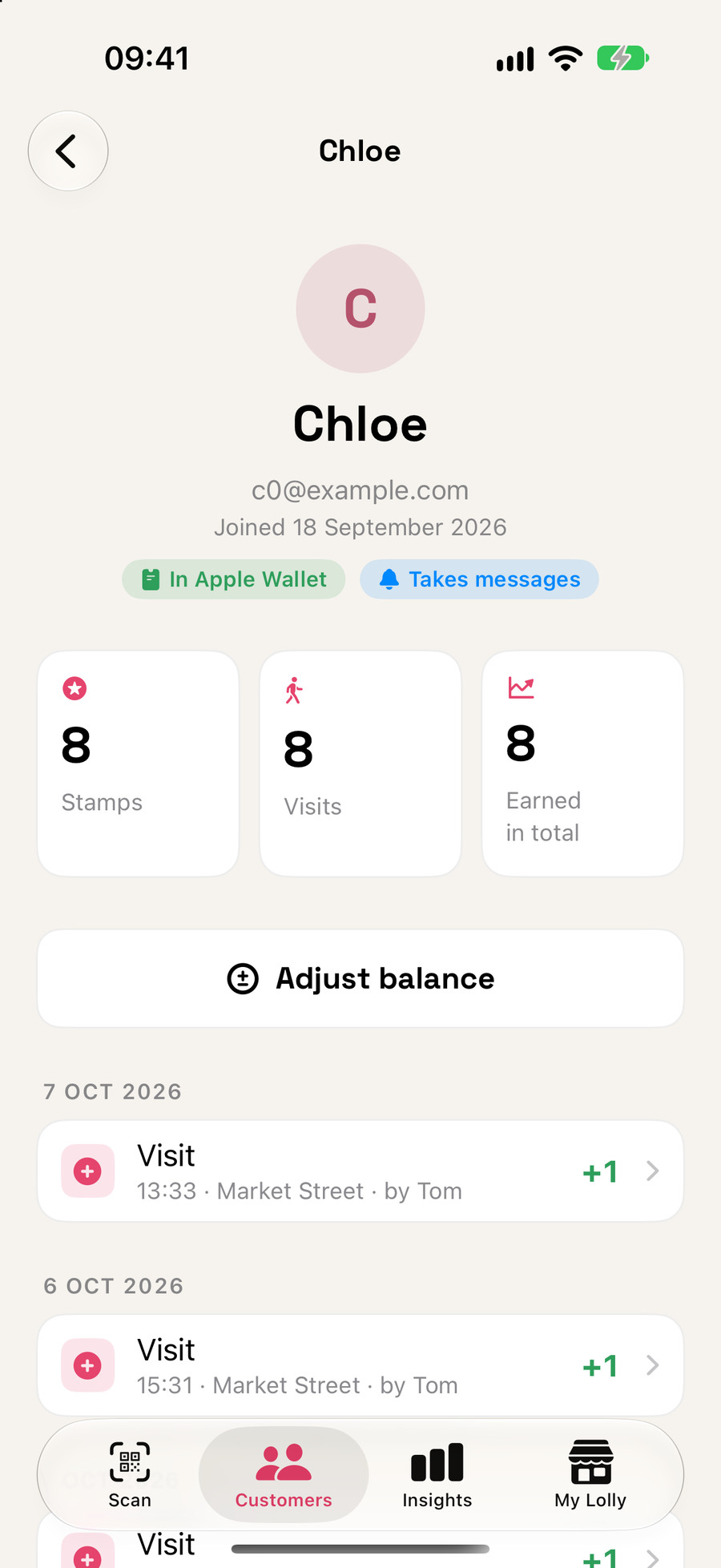
- Every visit shows who scanned it
- A Team activity feed and per-person insights for the owner
- Limit a team member to the locations they work at
Optimised for iPad
Perfect at the counter
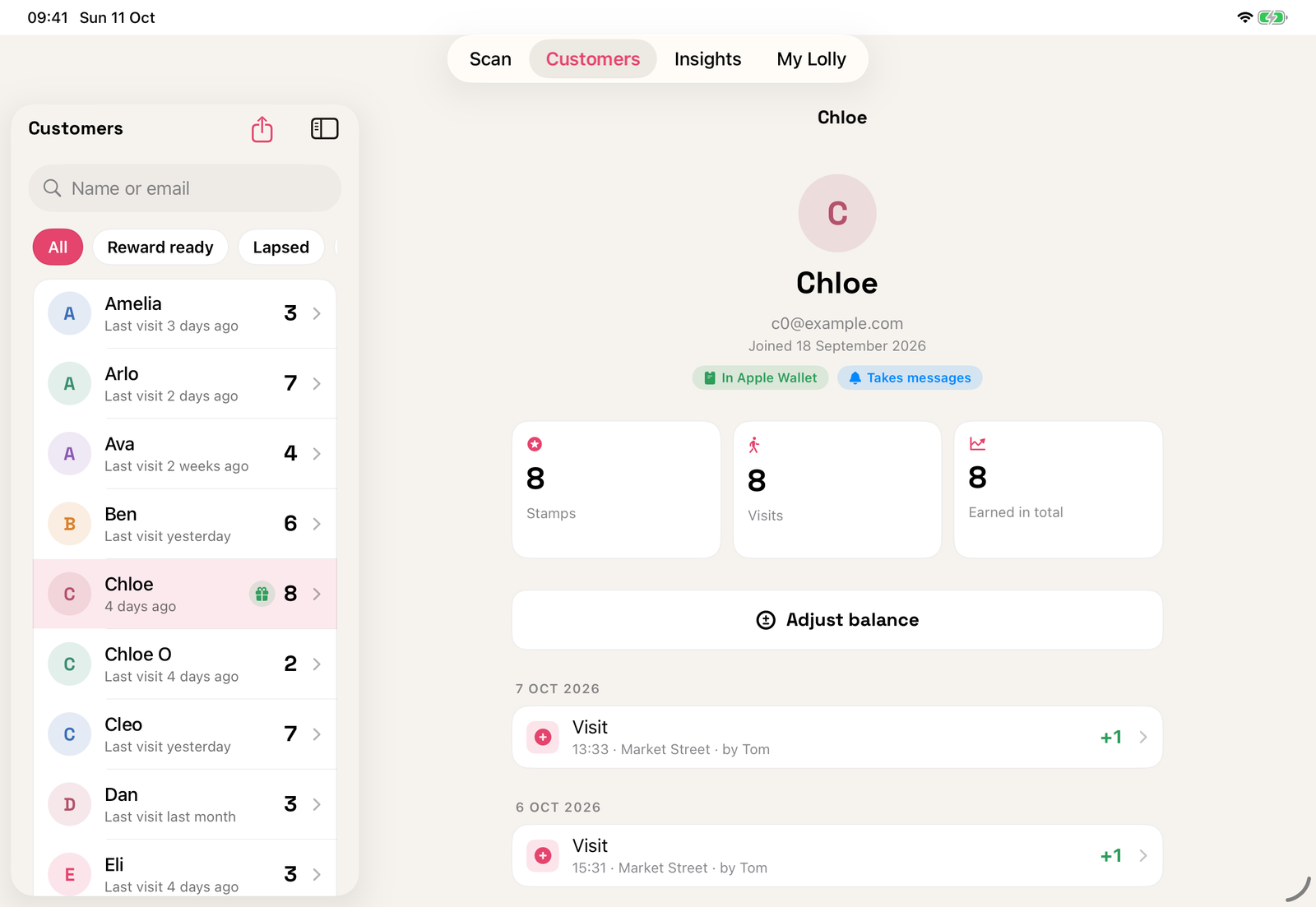
Lolly is built for iPad as well as iPhone. Stand it by the till and use the whole screen.
- Lists and details side by side, so you see a customer's history without leaving the list
- Works in landscape and portrait
- Insights laid out with room to breathe
- The same app and the same account as your iPhone
Kiosk mode
Leave it out. Staff tap in with a PIN.
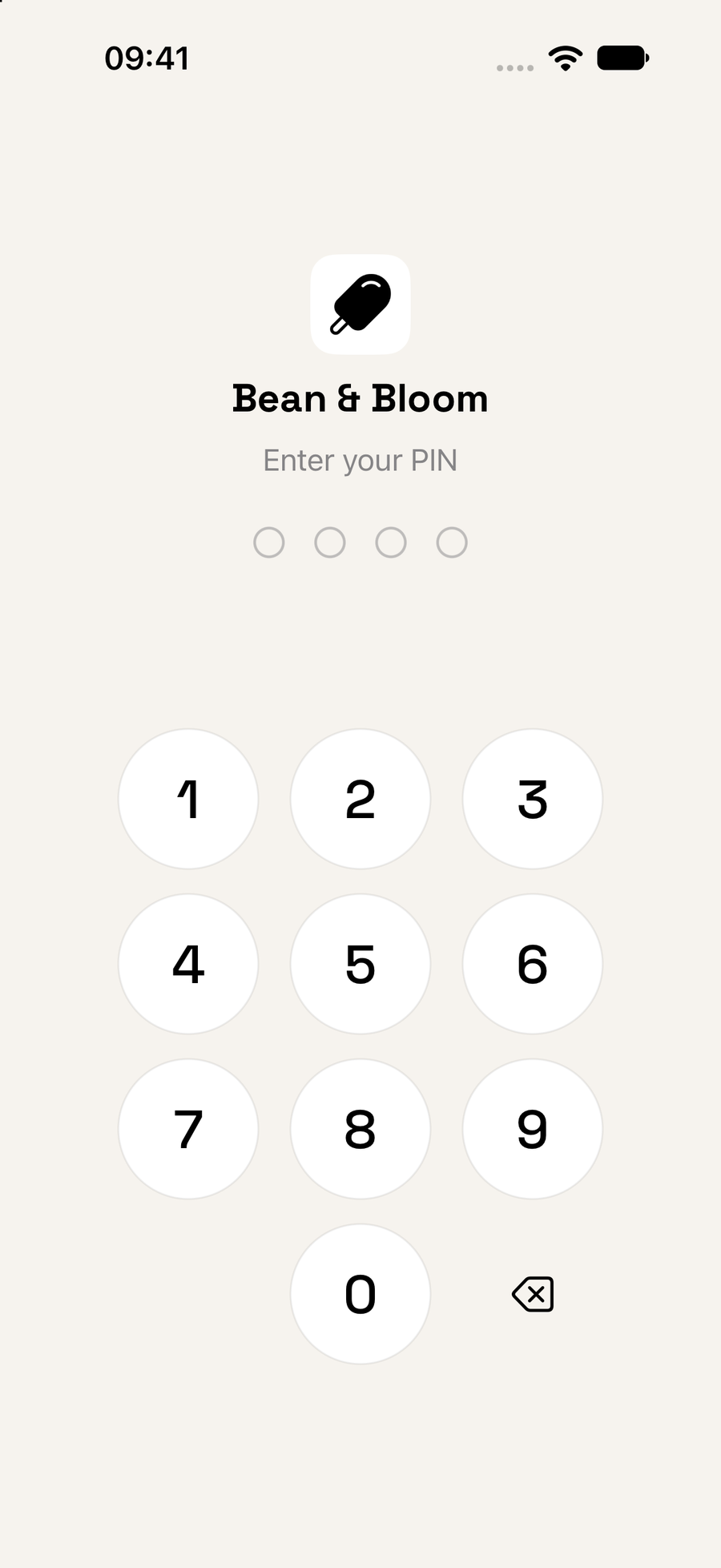
Sign in once as the owner, then lock the iPad into kiosk mode. Everyone on shift taps in with their own 4 digit PIN, so each stamp shows who gave it.
- Staff see only what they need: scan, stamp, redeem and look customers up
- It locks itself after a quiet minute, or the moment the app is left
- Set, see and change everyone's PIN from your own phone
- Only your PIN ends kiosk mode, and you can end it on every device from your phone
Every kind of treat
Right for any business
Real cards for very different shops, all made in the Lolly app. Stamps or points, one reward or several, one location or many.
Café
Bean & Bloom
Eight flat whites and the next one is on the house.
Bakery
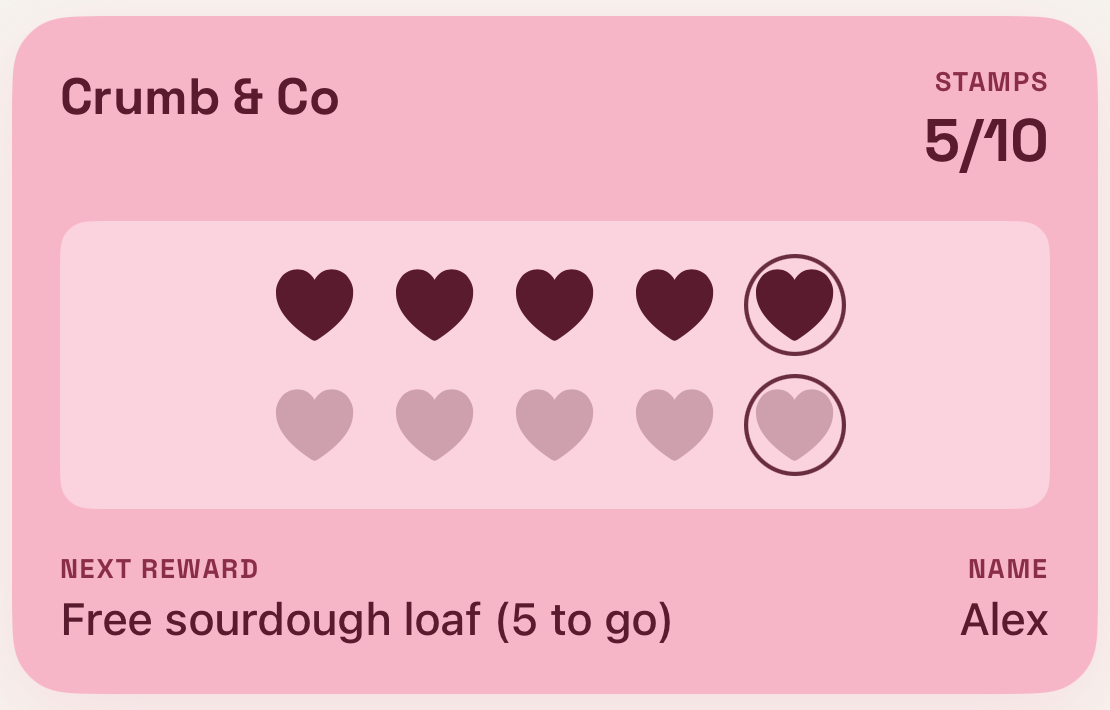
Crumb & Co
A free cookie at five stamps, a sourdough loaf at ten.
Barber
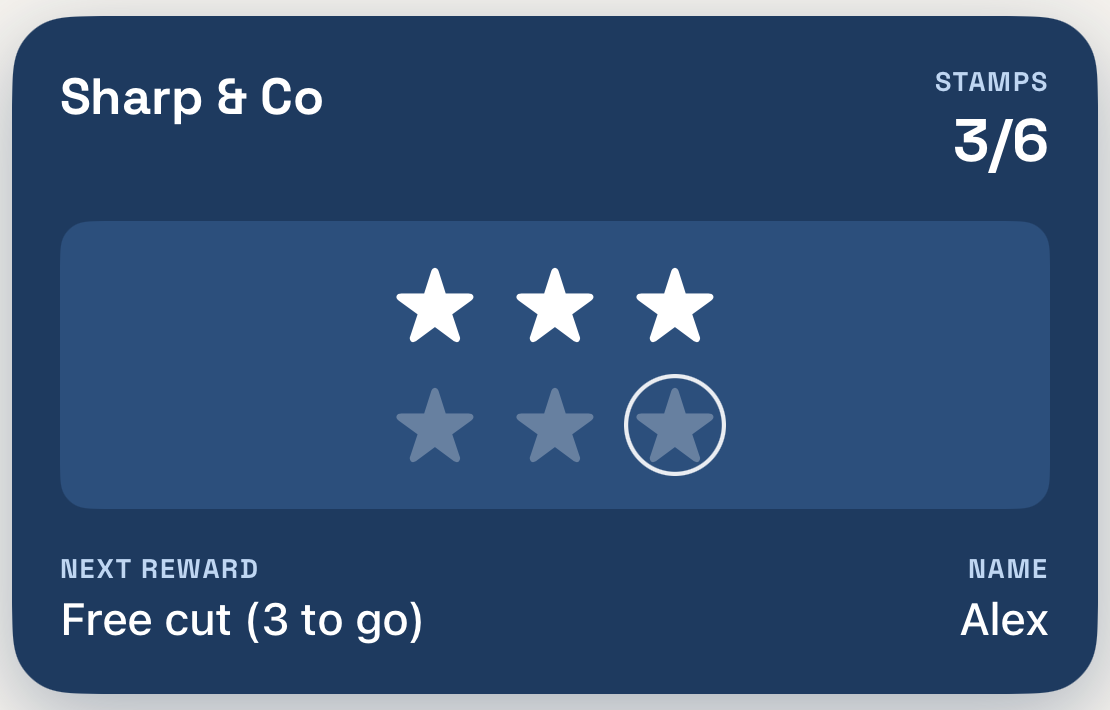
Sharp & Co
Six cuts, then your seventh is free.
Ice cream parlour
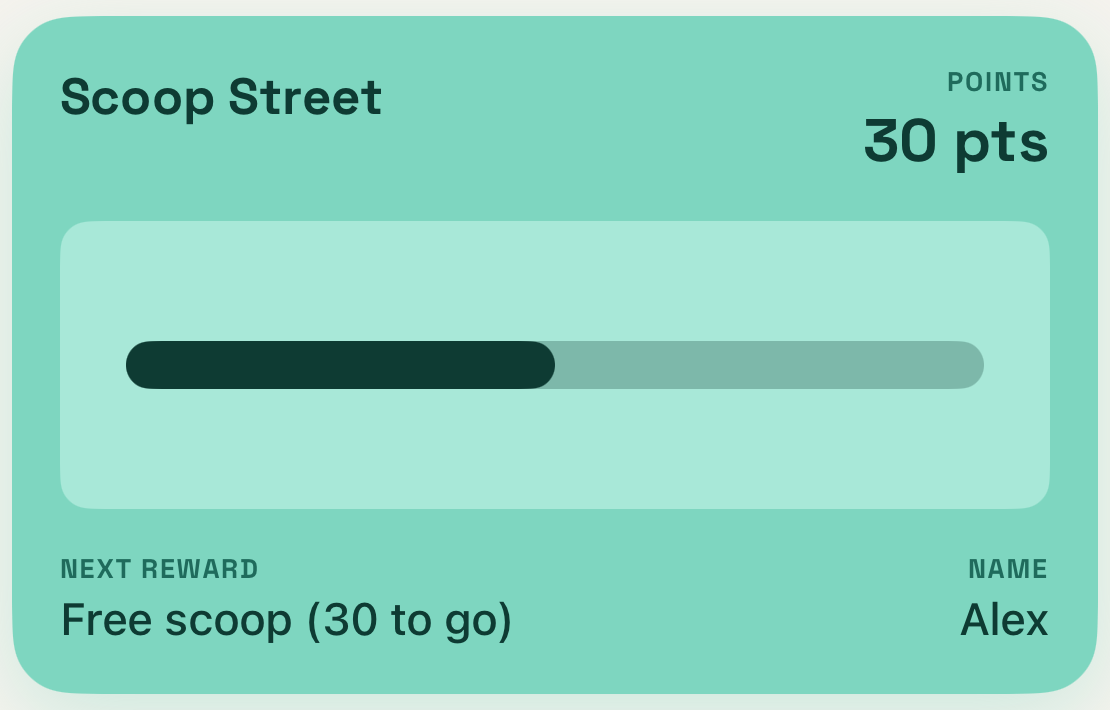
Scoop Street
Points on every pound. Spend them on scoops and sundaes at either shop.
Nail studio
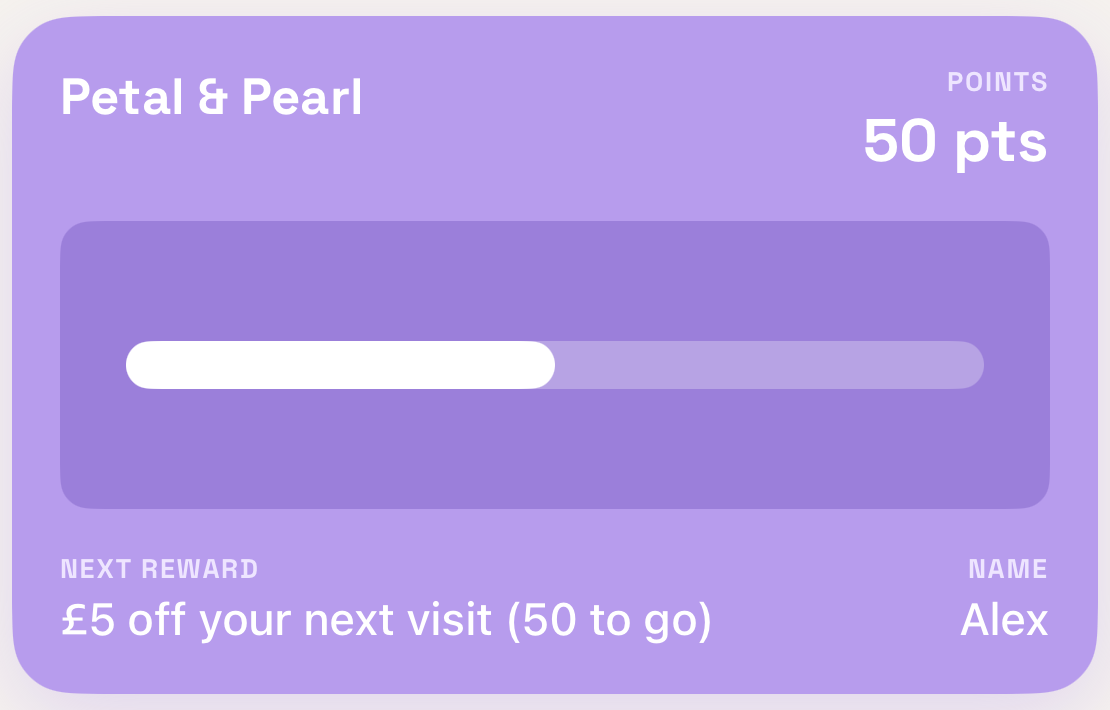
Petal & Pearl
Points for every visit, with money off your next one.
Pizzeria
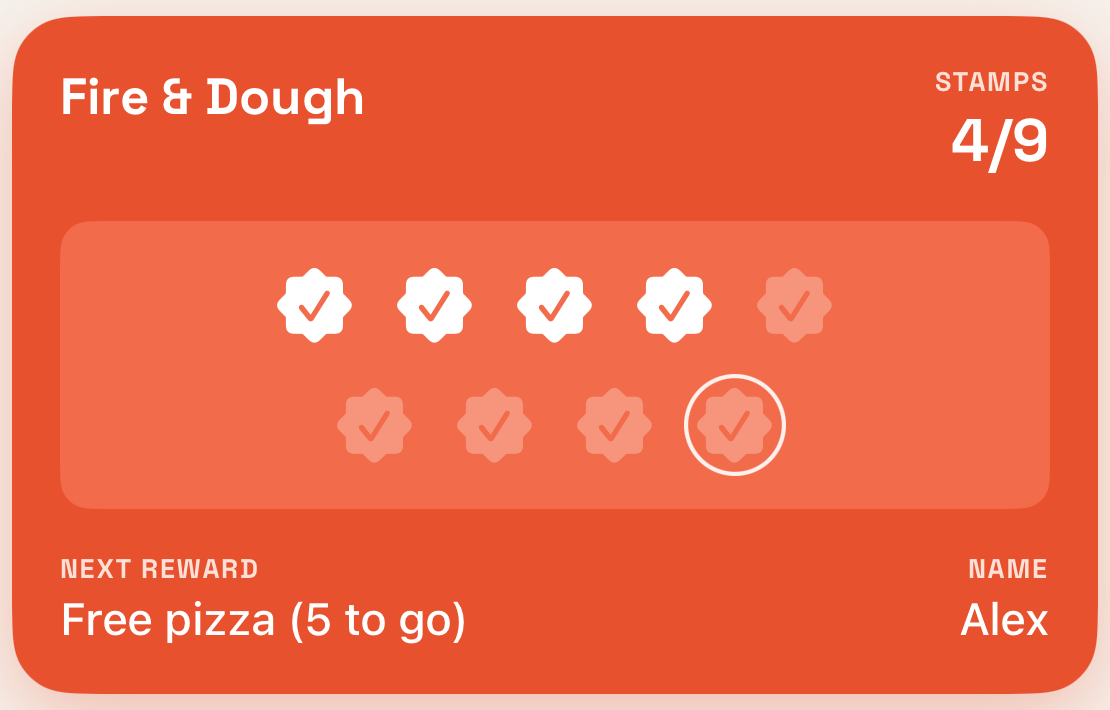
Fire & Dough
Nine stamps and your next pizza is free.
Pricing
One plan. Everything in it.
Try it free for 14 days. Then subscribe in the app, and cancel any time in your Apple ID settings.
Lolly
Monthly, through the App Store
- Stamps or points, and as many rewards as you like
- Promotions, messages and automatic nudges
- Insights and customer export
- Team accounts, Team activity and a PIN-locked kiosk mode
- Multiple locations, each with its own QR code
- Your own colours, logo and join page
The price is shown in the app before you subscribe.
Questions
Do my customers need to download an app?
No. They scan your QR code, type their first name and tap to add the card to Apple Wallet or Google Wallet, or keep it on the web. It is on their phone in under a minute.
What do I need to run it?
An iPhone or iPad with the Lolly app. You use the camera to scan a customer's card, and the app shows who they are and what they have earned.
Can I use points instead of stamps?
Yes. Choose stamps or points when you set up. With points you enter the spend and customers earn a set number of points per pound. You can add several rewards at different costs.
Can my staff see all my customer data?
Staff can scan cards and look up customers. They cannot export your customer list, delete customers, change rewards or see your insights. Everything they do is recorded, and you can see it in Team activity.
What happens to a customer who changes phone?
If they gave an email when they joined, they can get their card back. We only keep a first name and, if they choose, an email address.
Do the cards work on Android?
Yes. Customers on Android add their card to Google Wallet, and anyone can keep it on the web too. You scan every card the same way, whatever phone it is on.
What happens after the free trial?
You subscribe in the app. If you do not, the app becomes read-only, and your customers' cards stay in their Wallets.
Your regulars are waiting.
14 days free. Nothing to pay until you choose to subscribe.